 KMyMoney
Made by KDE
KMyMoney
Made by KDE
KMyMoney
Made by KDE
KMyMoney
Made by KDE
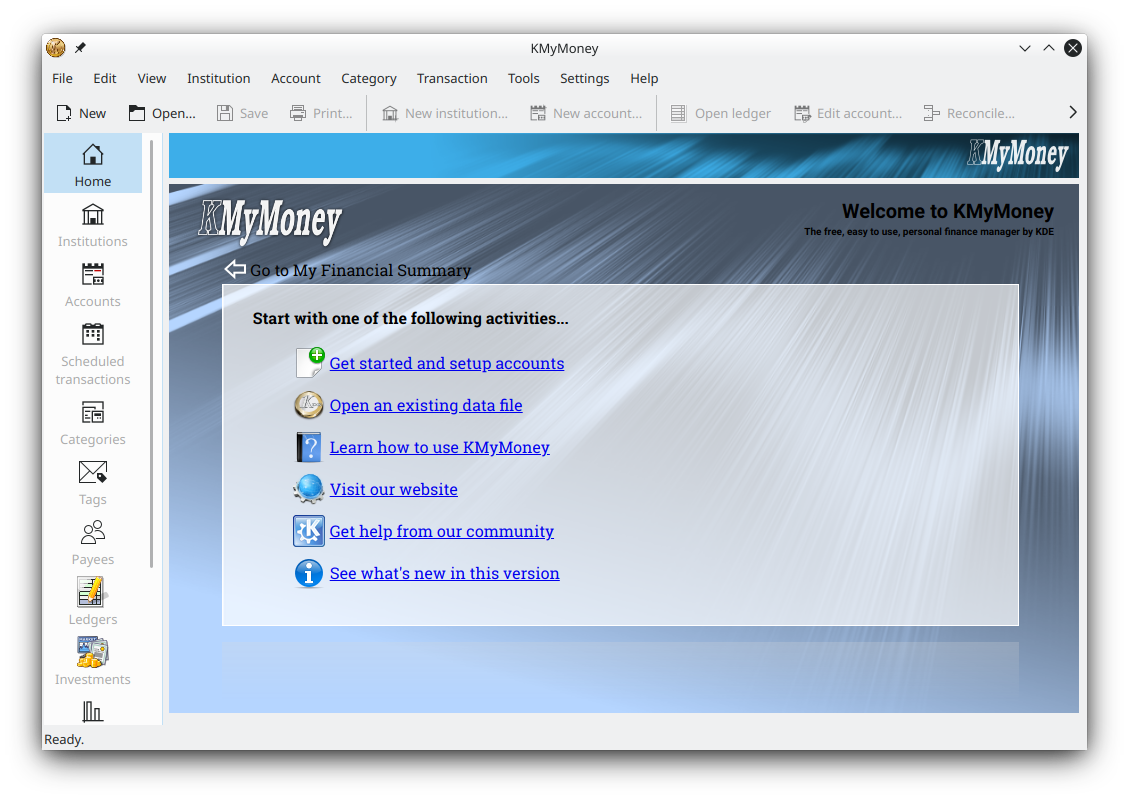
Everything the free, open-source double-entry finance manager offers — accounts, budgets, scheduled payments, investments, online banking, imports, reports and encryption.
Install KMyMoneyKMyMoney features cover the full range of personal finance management in a single free, open-source application from the KDE community. It applies proper double-entry accounting to your bank, cash, loan and investment accounts, adds budgets, scheduled transactions, categories, tags and payees, connects to your bank through OFX and HBCI online banking, imports QIF, OFX and CSV files, tracks investments with online price quotes, works across multiple currencies, and produces dozens of customisable reports and graphs — all while keeping your data stored locally with optional GPG encryption. Current version 5.2.2, free for Windows, macOS and Linux.
A welcome dashboard gives an overview of your finances, including overdue and upcoming scheduled transactions, account balances and your favourite reports.
Ledger and account views with a transaction form or direct data entry, a ledger lens for detail, sortable columns and calculator-style number entry.
Organise, view and manage all the accounts you hold at a particular bank, and create, edit, reconcile or update them from one place.
Set up recurring bills, deposits and transfers so you never forget a payment; schedules can even enter transactions into the ledger automatically.
Organise every transaction by category and tag to see where your money comes from and where it goes, with ready-made category templates.
Manage payees with transaction history, stored contact details, automatic matching rules and a default category for each one.
Track stocks, bonds and mutual funds, use the investment wizard to set them up, and update stock and currency prices online.
Build budgets and forecast future balances so you can plan ahead and compare planned against actual spending.
Dozens of configurable reports and charts, exportable to CSV; QIF/OFX/CSV import; online banking via OFX and HBCI; multi-currency; and GPG encryption.
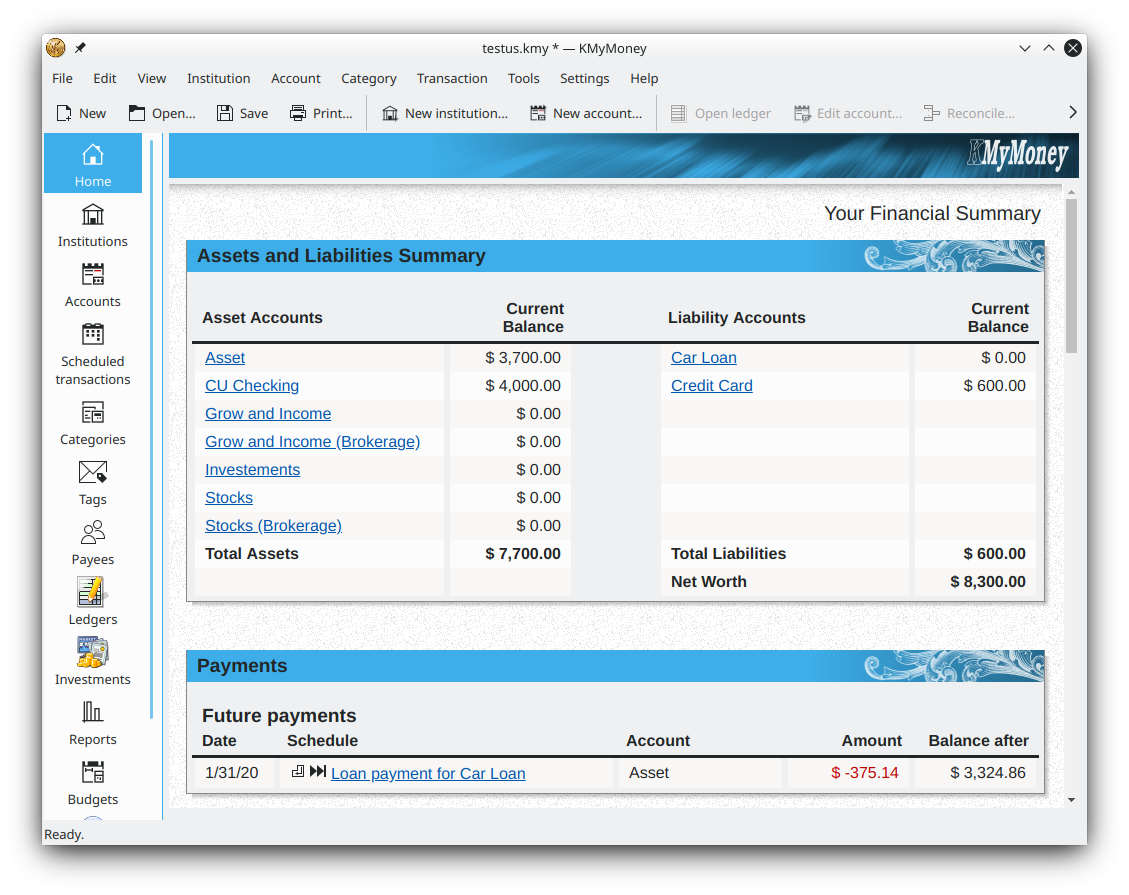
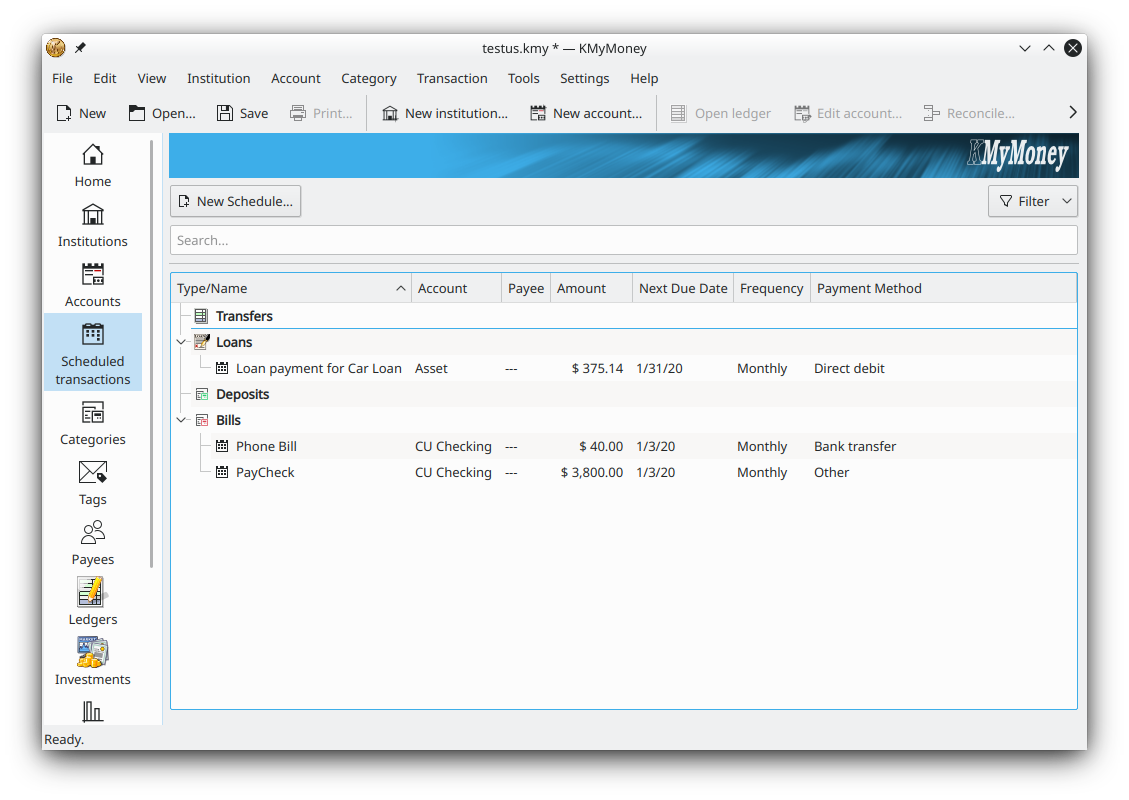
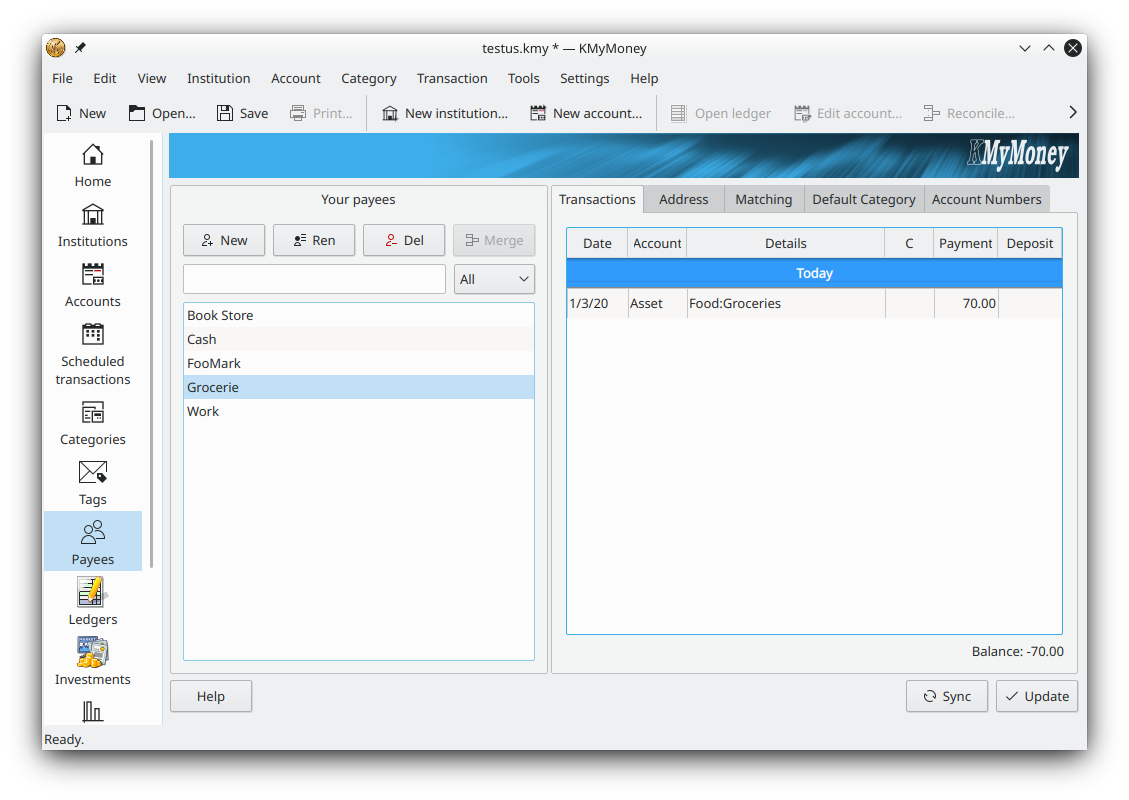
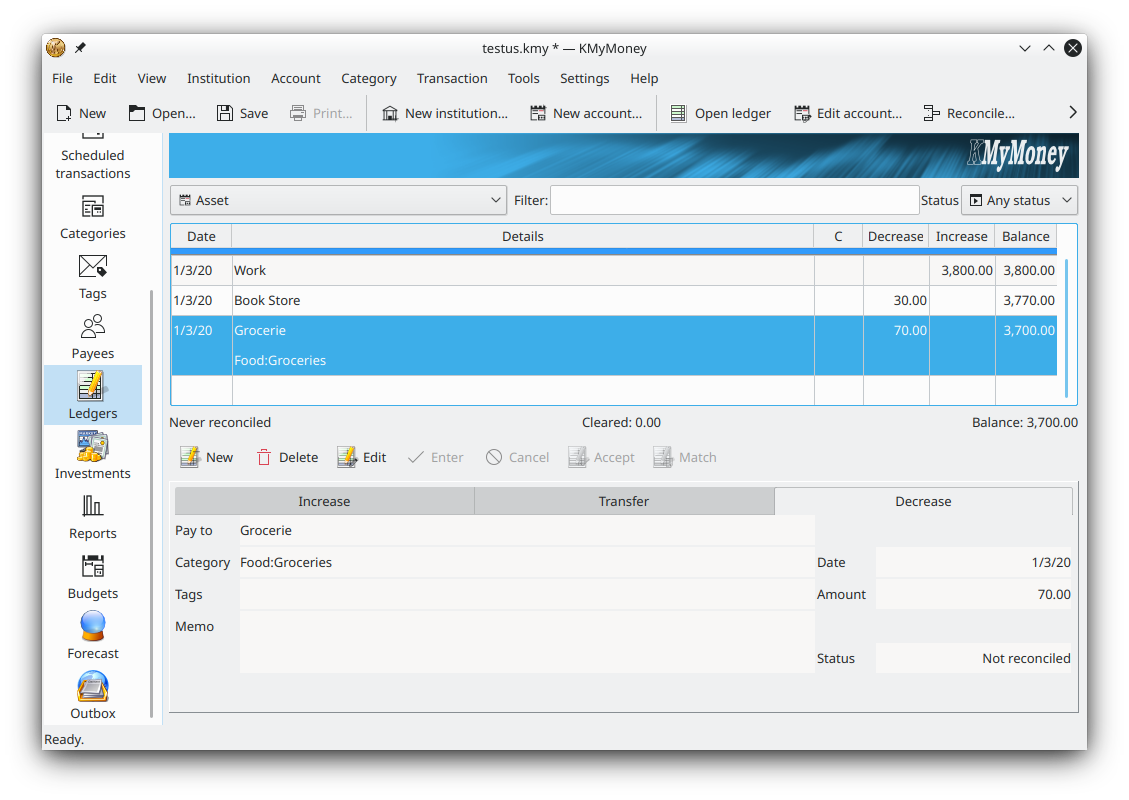
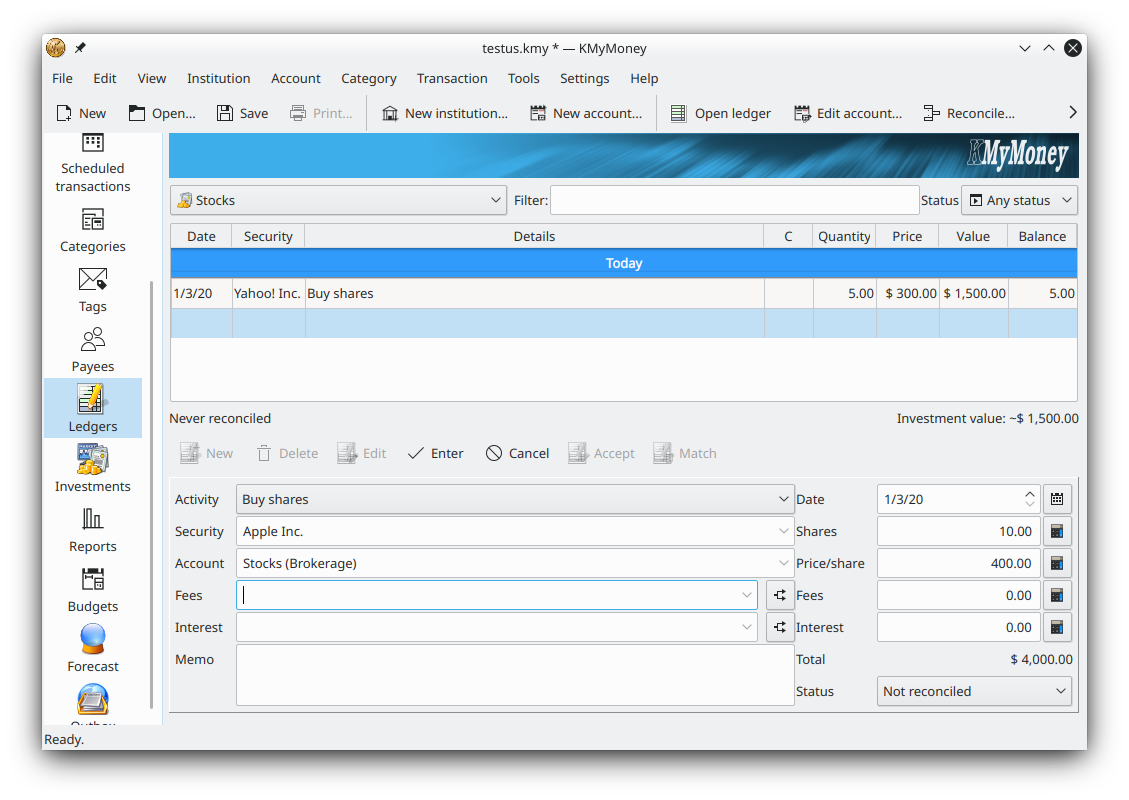
KMyMoney is designed to fit the way you already handle money. It connects to your bank through OFX and HBCI/AqBanking online banking, and it imports QIF, OFX and CSV files — a straightforward way to move data in from Quicken, MS Money or a bank export. Because it uses proper double-entry accounting, imported transactions are matched and balanced rather than simply listed. Multi-currency support lets you keep accounts and investments in different currencies and see them reconciled together, while online price quotes keep securities and exchange rates current.
On the reporting side, KMyMoney ships with dozens of ready-made reports covering income, expenses, net worth, budgets and investments, each fully configurable. Reports can be turned into charts and exported to CSV for a spreadsheet, and any report can be pinned to your financial summary home page for one-click access. For privacy, your data file lives on your own computer and can be protected with GPG encryption plus an optional recovery key.
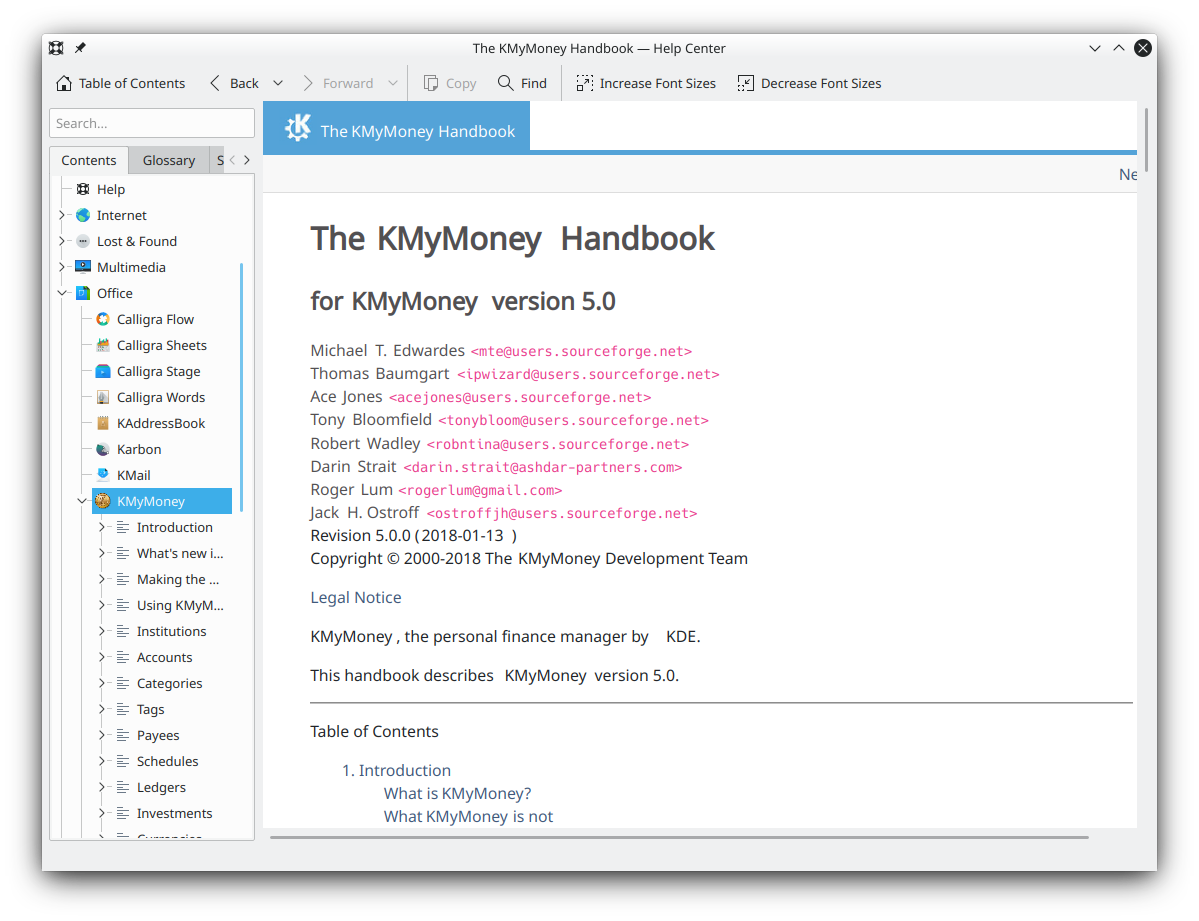
Two smaller touches round out the day-to-day experience. The ledger offers a choice between a guided transaction form, similar to older commercial money managers, and fast direct entry straight into the register for people who prefer to type quickly; a ledger lens can expand the selected row to show every detail without cluttering the rest of the list. And a powerful transaction search makes finding a single entry among years of history straightforward, filtering by date, amount, category, payee and more. Together with the welcome dashboard and pinned reports, these features mean most routine tasks are only a click or two away once your file is set up. Documentation is thorough too: a full user manual is available from the Help menu and as a PDF, which helps when you first meet the double-entry concepts behind the software.
Free and open-source for Windows, macOS and Linux — no cost, no trial limit, no ads. Current version 5.2.2.
Download KMyMoney Read the review