 KMyMoney
Made by KDE
KMyMoney
Made by KDE
KMyMoney
Made by KDE
KMyMoney
Made by KDE
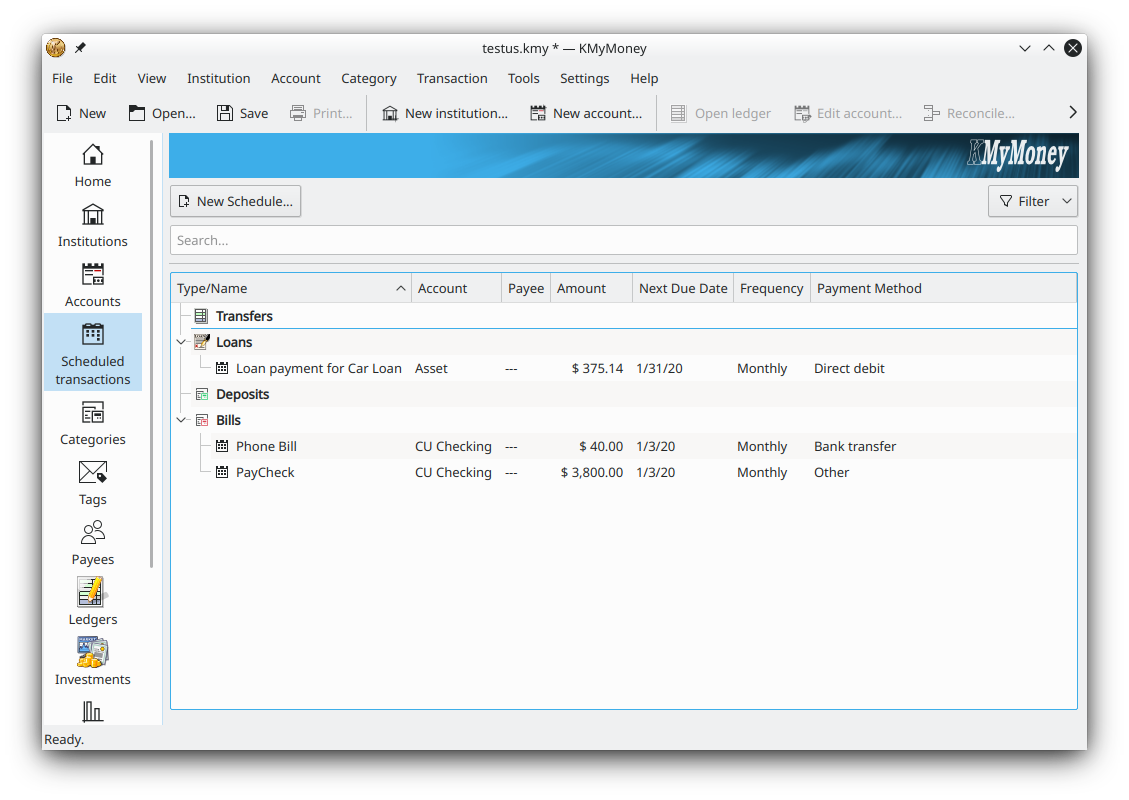
The free, open-source double-entry personal finance manager for Linux — install the Flatpak from Flathub, run the official AppImage, or use the package in your distribution's Software Center.
Get KMyMoney for LinuxDownload KMyMoney for Linux free: version 5.2.2 of the open-source double-entry personal finance manager is available as an AppImage and a Flatpak from Flathub, as well as in most distribution repositories. All options are built by the KDE community at no cost, keeping your financial data stored locally on your own machine.
KMyMoney is readily available on the majority of Linux distributions — you can install it directly from the Software Center provided by your vendor. If you want a version newer than the one in your distro, the AppImage and the Flatpak both track the latest stable fixes, generated whenever the stable branch is updated by KDE's continuous-integration system. All three routes deliver the same free, open-source application under the GNU GPL, so the choice comes down to how you prefer to install and update software on your machine.
The stable Flatpak from Flathub integrates with your desktop and updates automatically. Recommended for most Linux users.
Go to downloadA single portable file for the newest stable fixes. Make it executable and run it — no installation needed.
Download stepsKMyMoney ships in most distro repositories. Install it from your Software Center or package manager.
All optionsA Snapcraft package once existed as another alternative, but it is currently unmaintained — use the Flatpak, the AppImage or your distribution's package instead. There is also a development Flatpak built by the CI/CD system for testers who want the very latest code.
The AppImage gives you the most recent stable state, including the latest fixes. Its file name contains a build number shown here as #### that changes with each build — pick the newest one on the download page.
Prefer a managed install instead? The download page links to the Flathub Flatpak and covers every platform, including Windows.
Each Linux delivery method suits a different need. The Flatpak from Flathub is the most convenient for everyday use: it installs through your software manager, sandboxes the app, and updates automatically alongside your other Flatpaks. It is the recommended choice for most people who simply want a current, maintained KMyMoney that stays up to date on its own.
The AppImage is a single self-contained file. You do not install it in the usual sense — you make it executable and run it directly, which makes it ideal for trying a newer stable build, running from a USB stick, or keeping several versions side by side. The trade-off is that you update it manually by downloading a fresh file when you want the latest fixes.
Your distribution's own package, installed from the Software Center or package manager, is the most integrated option and receives updates through your normal system upgrades. The only downside is that it can lag behind the newest stable release, which is exactly the gap the Flatpak and AppImage are there to fill. Whichever route you pick, KMyMoney remains the same free, open-source application, and your data file moves freely between them and the Windows build.
Track bank, cash, loan and investment accounts with books that always balance.
Import transactions via OFX and HBCI/AqBanking, plus QIF, OFX and CSV files.
Track securities, download online price quotes and monitor portfolio performance.
Build budgets, schedule recurring payments and forecast future balances.
Dozens of customisable reports for income, expenses, net worth and more.
Your data stays on your own machine, with optional GPG encryption.