 KMyMoney
Made by KDE
KMyMoney
Made by KDE
KMyMoney
Made by KDE
KMyMoney
Made by KDE
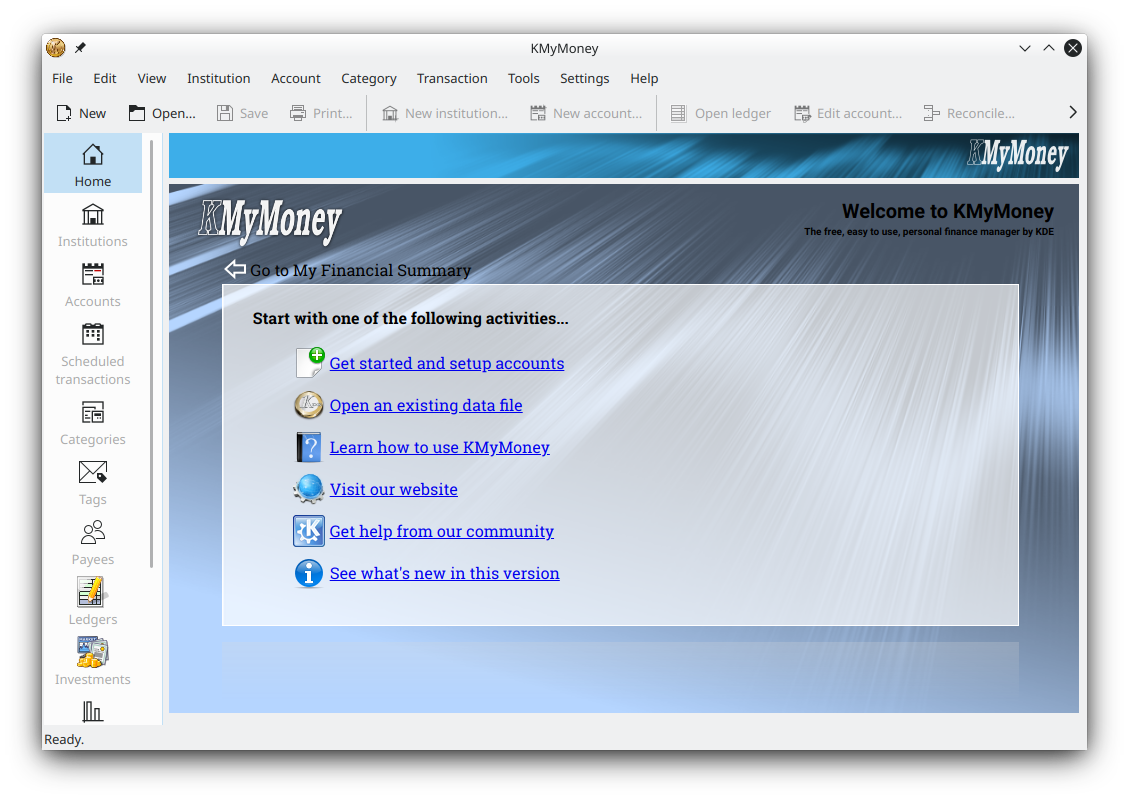
The free, open-source double-entry personal finance manager for Windows 10 and 11 — a 64-bit installer signed by KDE, with budgets, investments, reports and your data stored privately on your PC.
Get the Windows installerDownload KMyMoney for Windows free: version 5.2.2 is a 64-bit installer for Windows 10 and 11, signed by KDE and built by the KDE continuous-integration pipeline. It brings full double-entry accounting, budgets, investments and reports to your PC at no cost, with your financial data kept locally on your own machine.
KMyMoney runs natively on 64-bit Windows 10 and Windows 11. The recommended package is the stable MSVC build produced and signed by KDE's CI/CD system, so Windows can verify it was published by KDE and left unmodified. It is free software under the GNU GPL — there is no purchase, no subscription and no trial countdown, and the app itself carries no advertising.
One thing to know before you install: the KDE-signed Windows MSVC installer does not include AqBanking support. For most people that is fine, because KMyMoney still imports QIF, OFX and CSV statement files. If you specifically need AqBanking-based online banking, a separate developer publishes daily preview builds (gcc cross-compiled) that include it — these are more experimental, so keep a backup of your data file first.
System requirements are modest: any modern 64-bit Windows 10 or Windows 11 PC runs KMyMoney comfortably, and the download itself is a standard installer that fits easily on any drive. There is no separate 32-bit build, so make sure you are on a 64-bit edition of Windows before downloading.
64-bit MSVC build signed by KDE. Recommended for everyday use on Windows 10 and 11.
Go to downloadLook for kmymoney-5.2-####-windows-cl-msvc2019-x86_64.exe, where #### is the latest build number.
Download stepsPrefer Linux or macOS? The same free version 5.2.2 is available for both.
Linux versionThe stable Windows build comes from KDE's CI/CD system. Its file name contains a build number shown here as #### that changes with every build — always pick the most recent file on the download page.
Ready to grab the file? Head to the download page for every platform and the current links.
KMyMoney gives Windows users a full double-entry finance manager without any of the costs, subscriptions or upselling common to commercial personal-finance software. Everything runs locally: there is no cloud account to create, no data sent to a server you do not control, and no advertising inside the application. For anyone who wants to track budgets, loans, investments and net worth on a Windows 10 or Windows 11 PC while keeping their records private, that combination is hard to match at zero cost.
Because KMyMoney is open source, the code behind every calculation is public and can be audited by anyone. Updates arrive as new signed builds from KDE's CI/CD pipeline, so you can keep current simply by downloading the latest installer when a new stable version appears. Your data file format stays stable between releases, and the same file opens on the Linux and macOS builds too — useful if you ever switch machines or run more than one operating system.
If you are weighing KMyMoney against other free finance tools, the KMyMoney vs GnuCash comparison covers the practical differences, and the features page lists what each release includes.
Track bank, cash, loan and credit accounts with books that always balance.
Bring in transactions from QIF, OFX and CSV files exported by your bank.
Follow securities and download online price quotes to value your portfolio.
Plan budgets and automate recurring bills with scheduled transactions.
Generate income, expense, net-worth and cash-flow reports and charts.
Your file stays on your Windows PC, with optional GPG encryption.