 KMyMoney
Made by KDE
KMyMoney
Made by KDE
KMyMoney
Made by KDE
KMyMoney
Made by KDE
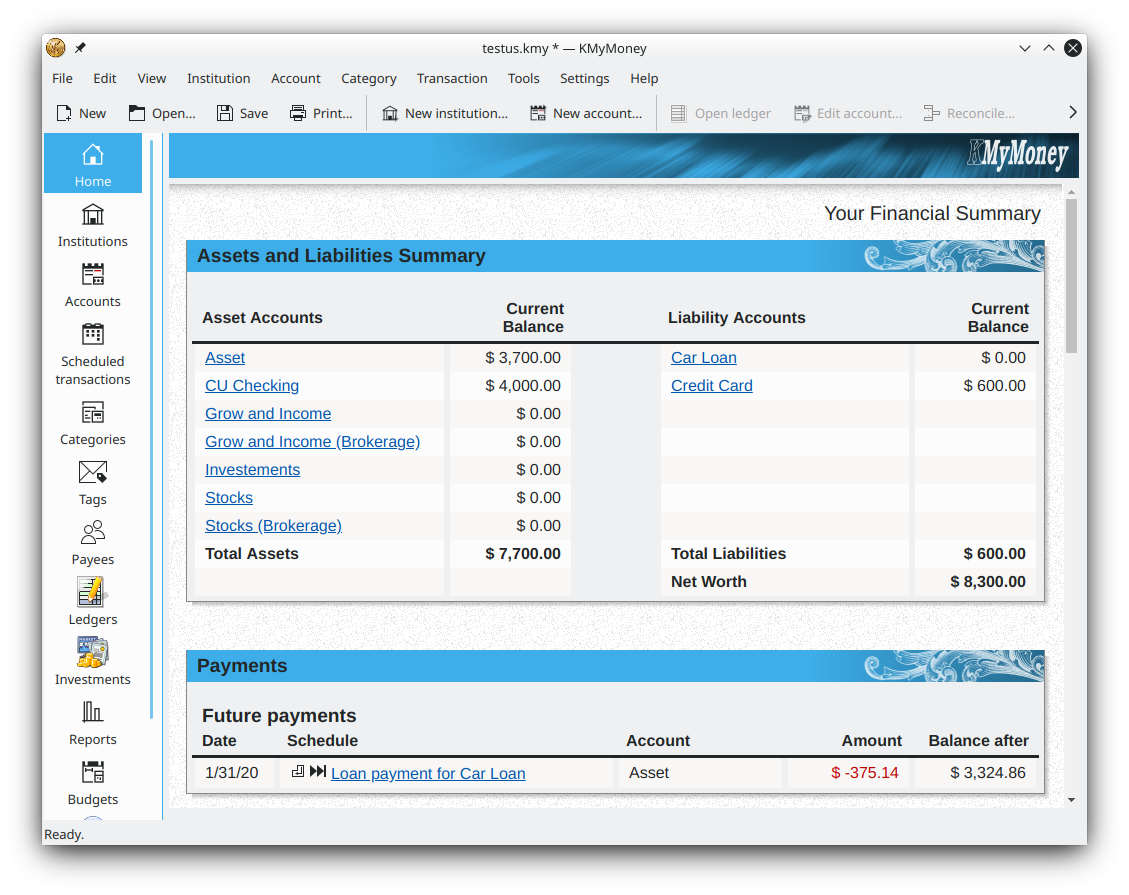
An honest look at the free, open-source double-entry personal finance manager from KDE — what it does well, where it falls short, and who should use it.
Install KMyMoneyThis KMyMoney review examines the free, open-source personal finance manager built by the KDE community. KMyMoney is a double-entry finance application for Windows, macOS and Linux that tracks bank, cash, loan and investment accounts, handles budgets, scheduled payments and multiple currencies, connects to banks through OFX and HBCI, imports QIF/OFX/CSV data, and produces dozens of reports — all with your data stored locally and optionally GPG-encrypted. The current version is 5.2.2 and it costs nothing, with no trial limit and no advertising. Below we walk through what it is, its main features, the pros and cons, who it fits, and our verdict.
KMyMoney is a cross-platform personal finance manager built on KDE frameworks technologies for desktop and laptop use. Its stated goals are ease of use for non-technical people, familiarity with the features found in commercial finance managers, and accuracy through double-entry accounting. In practice that means it aims to feel approachable while still keeping your books properly balanced, the way business accounting software does. Because it is open-source under the GNU GPL and developed by a community rather than a vendor, there is no subscription, no upsell and no data harvesting: your financial file lives on your own machine.
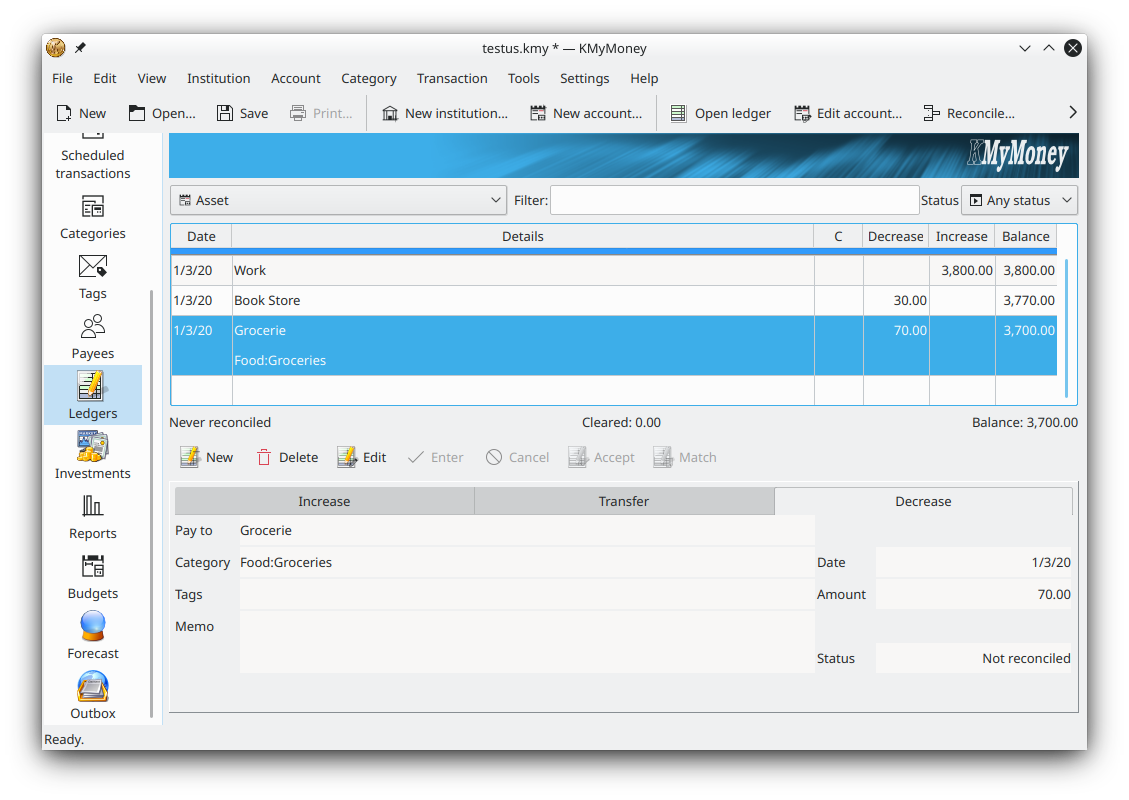
The feature set is broad. A welcome dashboard summarises balances and upcoming scheduled transactions; account and ledger views support both a transaction form and direct entry; institutions, categories, tags and payees keep everything organised. It tracks investments including stocks, bonds and mutual funds with online price updates, supports budgets and forecasting, and works across multiple currencies. Online banking runs through OFX and HBCI/AqBanking, and you can import QIF, OFX and CSV files. Reporting is a strong point, with dozens of configurable reports and charts that export to CSV, and GPG encryption protects the data file.
No cost, no subscription, no ads, and the GPL source is open for anyone to inspect or contribute to.
Proper double-entry bookkeeping keeps every transaction balanced, giving reliable long-term records.
Dozens of configurable reports and charts, exportable to CSV, cover income, expenses, net worth and investments.
OFX and HBCI support plus QIF/OFX/CSV import make it easy to pull in real bank data.
Runs on Windows, macOS and Linux and keeps your data local, with optional GPG encryption.
Double-entry concepts and the many views take time to learn if you are new to accounting software.
KDE framework dependencies make the install heavier outside Linux, its most native platform.
The KDE macOS builds can be temporarily broken; Homebrew or MacPorts are the fallback on a Mac.
It favours depth and control over the streamlined feel of some paid consumer finance apps.
KMyMoney is a strong fit for people who want to own their financial data locally rather than trust a cloud subscription, who are comfortable with double-entry accounting or willing to learn it, and who value free open-source software. Linux users get the smoothest experience, but Windows users are well served by the installer, and Mac users can run it through the KDE build or via Homebrew and MacPorts. It is less ideal for someone who only wants a light, hands-off budgeting app with automatic bank sync and minimal setup.
Verdict: KMyMoney is one of the most capable free personal finance managers available. It trades a little up-front learning for genuine accounting accuracy, deep reporting and complete control over your data. If those priorities match yours, it is well worth downloading — there is no cost and no trial limit, so trying it carries no risk. We have deliberately avoided assigning a numeric score or attributing quotes to named reviewers; this is an independent editorial assessment based on the application's documented features.
Free and open-source for Windows, macOS and Linux — no cost, no trial limit, no ads. Current version 5.2.2.
Download KMyMoney See features