 KMyMoney
Made by KDE
KMyMoney
Made by KDE
KMyMoney
Made by KDE
KMyMoney
Made by KDE
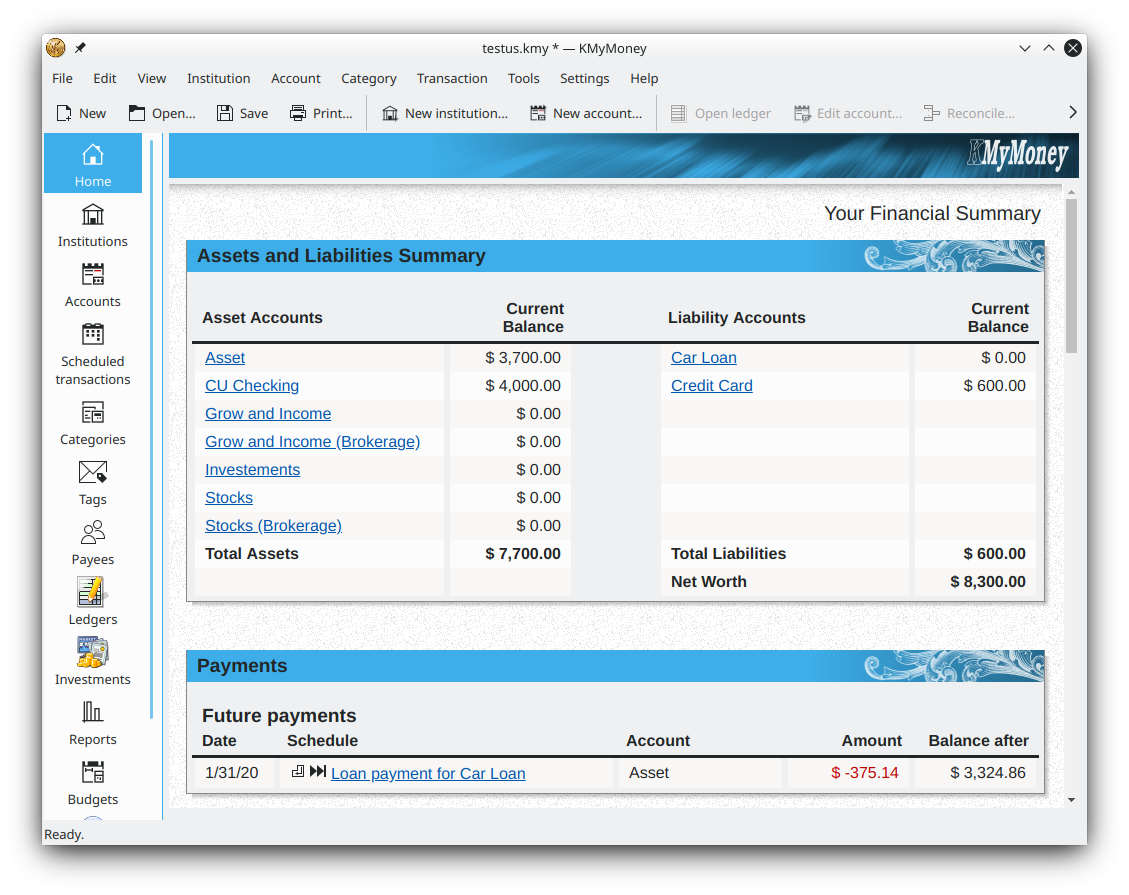
The free, open-source double-entry personal finance manager for macOS — budgeting, online banking, investments and reports, with your data stored privately on your own Mac.
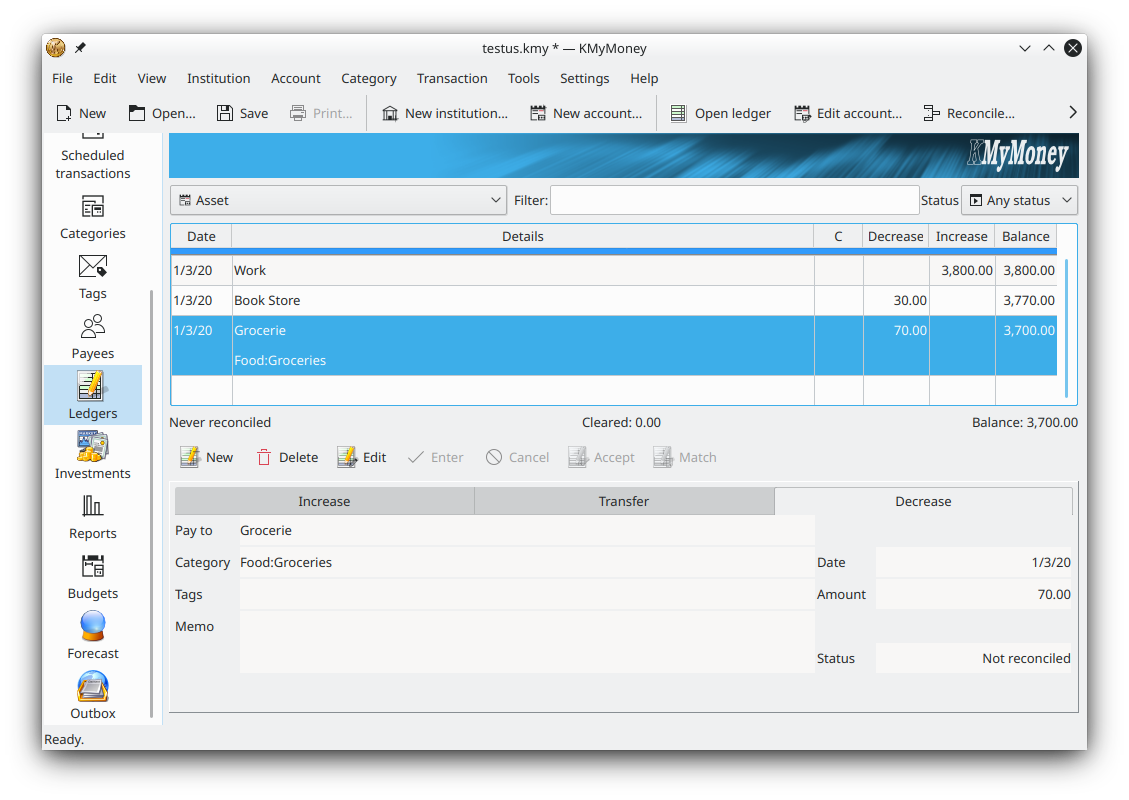
Install KMyMoneyDownload KMyMoney for Mac to get the free, open-source personal finance manager on macOS. KMyMoney is a double-entry finance app developed by the KDE community, and it runs on macOS alongside Windows and Linux. On a Mac it tracks bank, cash, loan and investment accounts, imports OFX, QIF and CSV files, handles budgets and scheduled payments, and generates reports — all while keeping your financial data stored locally on your own machine. The current version is 5.2.2 and it is free to download and use, with no trial limit and no ads.
The official KMyMoney macOS builds are produced by the KDE project as part of its CI/CD pipeline, generating disk images (.dmg) for both Intel (x86_64) and Apple Silicon (arm64) Macs. These builds are made available through the KDE download infrastructure. To get the current release, start from the download page and follow the link through to the official KDE macOS build for your hardware.
Worth knowing: the KMyMoney project has noted that its macOS builds on the KDE CI/CD infrastructure can be temporarily broken, and the team has openly asked for an experienced macOS developer to help maintain the Mac packages. If the packaged disk image is unavailable when you visit, the alternatives below let you install a working KMyMoney build on your Mac in the meantime.
The reason for the two build architectures is that recent Macs use Apple Silicon (arm64) chips while older machines use Intel (x86_64) processors. A build compiled for the wrong architecture will either refuse to run or run slowly under translation, so it is worth choosing the disk image that matches your Mac. If you are unsure which you have, open the Apple menu, choose About This Mac, and check whether the chip is listed as Apple (M-series) or Intel.
Whichever route you take, the application itself is identical to the Windows and Linux editions: the same double-entry engine, the same account, budget, investment and report views, and the same locally stored data file. Nothing about the macOS version is cut down or time-limited, and there is no separate paid Mac edition — the download is the complete, free, open-source KMyMoney.
If you use the Homebrew package manager, it can build and install a native KMyMoney for your Mac, keeping it updated alongside your other packages.
MacPorts is the other established macOS package manager and can compile KMyMoney from source for both Intel and Apple Silicon hardware.
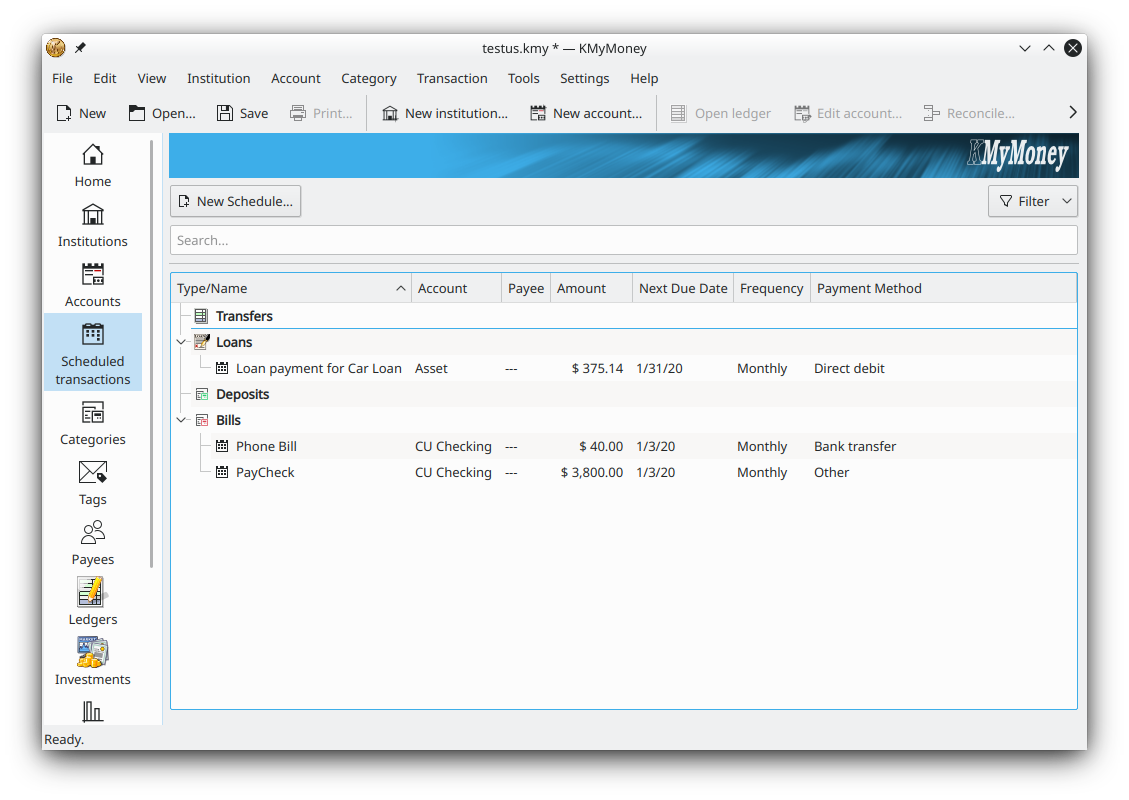
Bring in transactions from your bank on macOS via OFX and HBCI, plus QIF, OFX and CSV file import.
Business-grade double-entry accounting keeps your books balanced across every account.
Track securities and download online price quotes to follow your portfolio on your Mac.
Your data stays on your own Mac, with optional GPG encryption for the data file.
Package managers are often the most reliable way to install KMyMoney on macOS, because they compile the current version against the libraries already on your system and let you upgrade later with a single command. Both Homebrew and MacPorts pull in the KDE frameworks that KMyMoney depends on, so the first install can take a while as those dependencies build, but subsequent updates are quick. Once installed this way, KMyMoney appears in your Applications and Launchpad like any other Mac app, and you can pin it to the Dock for quick access. If a future release is published, updating is a matter of running your package manager's upgrade command rather than downloading a new disk image by hand.
Free and open-source for macOS — no cost, no trial limit, no ads. Current version 5.2.2 for Intel and Apple Silicon.
Download KMyMoney See features